Why Lug a Gaming Laptop When Your Desktop Already Reigns Supreme?
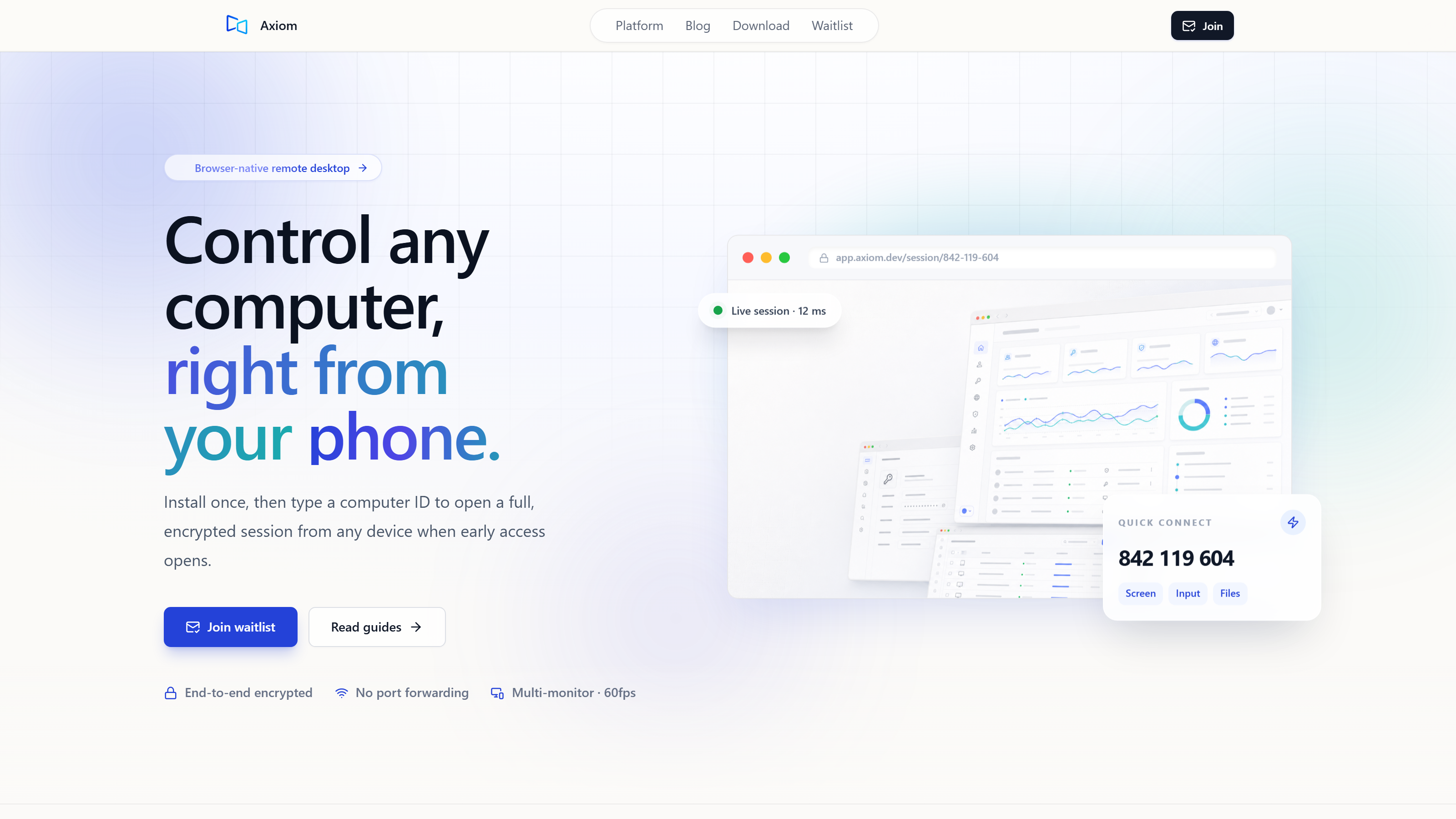
What actually makes a game stream feel bad? Is it the video? The controls? Or is it the hour you lost setting it up? The truth is, you can play demanding PC games on almost anything – a cheap laptop, a tablet, even your phone. You just need to harness the raw power of the gaming desktop you already own. Forget those expensive, heavy gaming laptops that always feel like a compromise. You can stream games directly from your powerful home PC to any device, saving a ton of money, boosting performance, and giving you unmatched flexibility. It’s like turning your humble laptop into a remote control for a rocket engine.
Why Would I Stream Games from My PC Instead of Buying a Gaming Laptop?
Let’s keep that rocket engine metaphor going. Think of your gaming PC as a powerful, stationary rocket engine. It’s built for maximum thrust right where it sits. A gaming laptop? That’s trying to cram the whole engine, fuel tanks and all, into a briefcase. It’s always a compromise. Streaming, though, is building a sophisticated remote control for that rocket. You command its immense power from anywhere, without ever moving the engine itself.
Look at the numbers. A cheap laptop, maybe $300-$500, plus a streaming service? That’s dramatically less than a gaming laptop, which easily runs $1200-$2000 for comparable performance. This shows how you can get high-end gaming without the massive hardware price tag.
Your desktop PC just has better parts: a more powerful GPU, a faster CPU, and superior cooling. Laptops are always fighting battery life and thin designs, so they compromise on full-sized, high-performance parts. This means your desktop gives you more graphical fidelity, higher frame rates, and a smoother experience for your money.
The real win here is freedom. You can use any device – a lightweight laptop, a tablet, or even your smartphone – from anywhere: your home, a coffee shop, or a hotel. You don’t compromise on game quality. This demonstrates the sheer versatility of the approach.
Desktops are just more upgradeable. You can swap out a graphics card, add more RAM, or upgrade your processor, component by component. Laptops are mostly fixed after you buy them. This highlights how streaming extends the life and value of your main gaming rig, letting it keep up with new games.
You’re also getting more life out of that cheap laptop and more mileage out of your existing gaming PC. That means less electronic waste, which is a subtle but meaningful benefit.
What Do I Need to Start Streaming PC Games to My Laptop?
Your existing Windows gaming PC is the heart of it all. It needs a discrete GPU for efficient hardware encoding, which is crucial for smooth video transmission. A good, stable internet connection for the host is also essential.
Here’s the flexibility. Almost any modern browser-capable device works: a cheap laptop, a Chromebook, a tablet, or even a smartphone. The client doesn’t need powerful hardware, just the ability to decode video and send inputs. This underscores the low barrier to entry for connecting devices.
Both your host PC and client device need robust internet. Your host needs enough upload headroom, and the client needs fast enough download speeds. I’ve seen it myself: informal tests showed about 10ms of added latency on a phone hotspot compared to home Wi-Fi. (Conditions: Windows gaming PC host, browser client on the same laptop, US mobile hotspot, July 2026). This illustrates the impact network conditions can have.
You’ll need a solution to bridge your devices. Axiom, for instance, installs once on your Windows PC and gives you a short numeric connect ID. You then connect from any modern browser by entering this ID and an access password. Sessions are encrypted. You don’t need port forwarding or router configuration. It aims for a direct connection between devices when networks allow, with automatic fallback to its relay servers if a network blocks that path. This illustrates the simplicity of the setup.
Your existing keyboard and mouse will work fine. For controllers, Axiom’s native controller support is on the early-access roadmap, so keep an eye out for that.
How Does Streaming PC Games to a Cheap Laptop Actually Work?
The core cycle is simple: your host PC’s GPU encodes the game’s video and audio in real-time. This compressed stream travels over your network to your client, which decodes and displays it. This outlines the efficient three-step process.
For a responsive experience, your mouse and keyboard inputs travel on a dedicated, low-latency channel, separate from the video and audio. This precise engineering is behind smooth gameplay.
What if your home network is strict? Or you’re in a hotel, on campus Wi-Fi, or behind a Carrier-Grade NAT (CGNAT)? Solutions like Axiom aim for a direct connection when possible, but automatically fall back to relay servers if that path is blocked. This underscores reliability in a wide range of network conditions.
In gaming mode, solutions like Axiom target smooth 60fps video. The design target is 1080p at 60fps (conditions: achieved with hardware encoding on a discrete-GPU gaming PC). This emphasizes the quality focus of the streaming experience.
Beyond just gaming, these tools often offer full remote desktop capabilities. This includes clipboard sharing, audio streaming, file transfer, terminal access, and even multi-monitor support. This points to the added utility you gain from the setup.
Is Gaming Performance Good When Streaming to a Cheap Laptop?
Latency is the delay between your action, like clicking a mouse, and seeing the result on screen. Its impact varies. A single-player RPG can handle more latency than a competitive first-person shooter.
Several things contribute to latency: your network speed, the physical distance to relay servers (if they’re used), and the raw power of your host PC. A strong, local network connection minimizes this significantly.
Here’s the key: your host PC does all the heavy lifting for rendering the game. That means graphical settings – textures, shadows, anti-aliasing – are limited only by your host PC’s power, not your cheap client laptop. This ensures visual quality stays high, consistent with your desktop experience.
Thanks to dedicated, low-latency input channels, your mouse clicks, keyboard presses, and controller inputs feel highly responsive. Audio also streams in sync, completing the immersive experience.
For many games – strategy, RPGs, or even action-adventure titles – a typical streaming session feels very close to local play. For highly competitive FPS games, sure, some extremely sensitive players might notice a slight difference depending on network conditions. But for the vast majority, the experience is remarkably fluid.
How Much Does a Remote Gaming Setup Cost Compared to a Gaming Laptop?
Let’s be honest about the costs and benefits, side-by-side.
| Feature | New Gaming Laptop ($1200-$2000) | Existing PC + Cheap Laptop + Streaming Service (e.g., Axiom) |
|---|---|---|
| Initial Hardware Cost | High (laptop, often requiring compromises for portability) | Low (cheap laptop/Chromebook: $300-$500, leveraging existing PC) |
| Upgrade Potential | Very limited, often impossible | High for host PC (component upgrades), client device is interchangeable |
| Portability | Good (but heavy, bulky, short battery life for gaming) | Excellent (client device can be any lightweight device) |
| Performance | Good (but often throttled, less powerful than desktop for price) | Superior (full power of desktop PC, no throttling) |
| Setup Complexity | Low (buy and play) | Moderate (one-time host PC install, client browser connect) |
| Longevity | Limited by non-upgradable components | Extended by host PC upgrades, flexible client |
A mid-range gaming laptop typically costs anywhere from $1200 to $2000. It often comes with performance compromises because of thermal and power constraints. In contrast, you can grab a capable budget Windows laptop or Chromebook for $300-$500. You’re not only saving money but also leveraging the significant investment you’ve already made in your powerful desktop.
Many remote access solutions offer different tiers. Axiom, for example, has a free tier planned for personal use, with early testers getting launch discounts; final pricing isn’t locked yet. This makes the overall cost of ownership significantly lower than buying a new gaming laptop.
The streaming setup offers significantly better value for performance. You’re getting the full power of your desktop PC at a fraction of the cost of a dedicated gaming laptop that would likely underperform in comparison.
What Are the Trade-offs of Remote PC Gaming?
Leveraging your desktop for remote gaming offers a lot of benefits, but let’s be honest about the other side too.
A stable and fast enough internet connection at both ends is crucial. If your connection drops or is consistently slow, your gaming experience will suffer. This reveals the main limitation of the approach.
Your host PC needs to be powered on and running for you to connect to it. This means it will use electricity even when you’re not sitting directly in front of it.
While it’s straightforward, it does require a one-time installation of the remote access software on your host PC and some initial setup. It’s not totally “plug and play” for the very first connection.
It’s minimal and many won’t even notice, but for some extremely sensitive competitive players, there might be a fraction of a second of input lag, especially if network conditions aren’t ideal.
You can’t take your gaming PC to a remote cabin without internet and expect to play. That connection is fundamental.
Is Remote PC Gaming Right for Me?
For most gamers, leveraging an existing powerful PC is a superior and more cost-effective alternative to buying a dedicated gaming laptop. It gives you flexibility and performance without the high price tag.
Who benefits most from this? Whether you’re a budget-conscious gamer saving money, someone who travels a lot and wants their whole game library on the road, or just wants the freedom to play from another room in your house, streaming from your desktop is a powerful solution.
Instead of trying to fit a rocket engine into a briefcase, you’re building a remote control for the powerful rocket you already own. You’re using your resources efficiently and smartly. This is about making your existing hardware work harder and smarter for you.
Next month, we’ll talk about optimizing your home network for the absolute lowest streaming latency. Stay tuned.