Can You Really Game Stream on Hotel Wi-Fi? What Actually Works
What actually makes a game stream feel bad when you’re away from home? Is it the video? The controls? Or is it the hour you lost just trying to get a stable connection? Hitting the road doesn’t mean leaving your gaming PC behind, but trying to reach it through hotel Wi-Fi can feel like trying to have a clear phone call through a dozen bad operators. While hotel Wi-Fi is notorious for its inconsistency, playing your games remotely is absolutely possible—but it demands the right strategy and the right tools. Forget direct calls that often fail; the key lies in methods designed to bypass strict network restrictions through intelligent relay systems. With careful preparation and realistic expectations, you can stream your favorite titles from your home rig, turning downtime into playtime, whether that’s in a budget motel or a swanky resort.
Why is Hotel Wi-Fi Such a Challenge for Remote Gaming?
Hotel Wi-Fi often feels like a digital minefield for gamers, and for good reason. The core problem stems from networks designed for basic browsing and email, not high-bandwidth, low-latency applications like game streaming. You’ll frequently encounter bandwidth throttling, where the network intentionally limits your connection speed to ensure everyone gets a slice, however small. Strict firewalls are also common, blocking the peer-to-peer connections many remote gaming tools attempt to establish directly. This prevents your client device from “seeing” your home PC. It’s like the operator just won’t put you through.
Beyond these technical hurdles, hotel networks are shared connections. Dozens, if not hundreds, of other guests are simultaneously streaming movies, downloading updates, and browsing, all competing for the same limited pool of bandwidth. This leads to high latency and frequent packet loss, manifesting in game streaming as stuttering video, desynchronized audio, and noticeable input lag. Furthermore, many hotels employ login portals, often called captive portals, which require you to open a web browser and agree to terms or enter a room number before granting full network access. These portals can disrupt streaming tools that expect an immediate, open connection. This shows why a simple direct connection often isn’t enough; the network actively fights against it.
What Kinds of Games Actually Work on Hotel Wi-Fi?
The success of remote gaming on hotel Wi-Fi heavily depends on the game’s network demands. Not all titles are created equal when it comes to tolerating latency and packet loss. Generally, games that don’t require split-second reactions or constant, uninterrupted data flow are the most forgiving. Single-player adventures, turn-based RPGs, and strategy games are often quite playable, even with some network instability. These genres prioritize visual fidelity and narrative over instantaneous input, making them ideal candidates for a less-than-perfect connection.
Conversely, highly competitive online games like first-person shooters, fighting games, or real-time strategy titles are far more sensitive. Even slight input lag or a momentary video freeze can mean the difference between victory and defeat. This distinction proves that managing expectations is crucial for a satisfying experience on the road.
Here’s a quick guide to game viability:
- High Viability: Turn-based RPGs, single-player story games, grand strategy, puzzle games, simulation games (e.g., Stardew Valley, Civilization VI, Portal 2).
- Moderate Viability: Action RPGs, slower-paced adventure games, cooperative PvE games (e.g., The Witcher 3, Borderlands 3). Requires a relatively stable connection, but occasional hiccups are tolerable.
- Low Viability: Competitive online multiplayer (FPS, fighting games), rhythm games (e.g., Valorant, Street Fighter 6, osu!). These demand extremely low latency and consistent connections, which hotel Wi-Fi rarely provides.
How Do Remote Gaming Tools Bypass Hotel Network Restrictions?
The fundamental difference between successful remote gaming tools and those that fail on hotel Wi-Fi lies in their underlying architecture. Many older or simpler methods attempt a direct peer-to-peer connection between your client device and your home PC. While efficient on open networks, this approach is easily blocked by the strict firewalls and network address translation (NAT) common in hotels and other restrictive environments. It’s like trying to call your PC directly when the hotel operator is actively blocking the number.
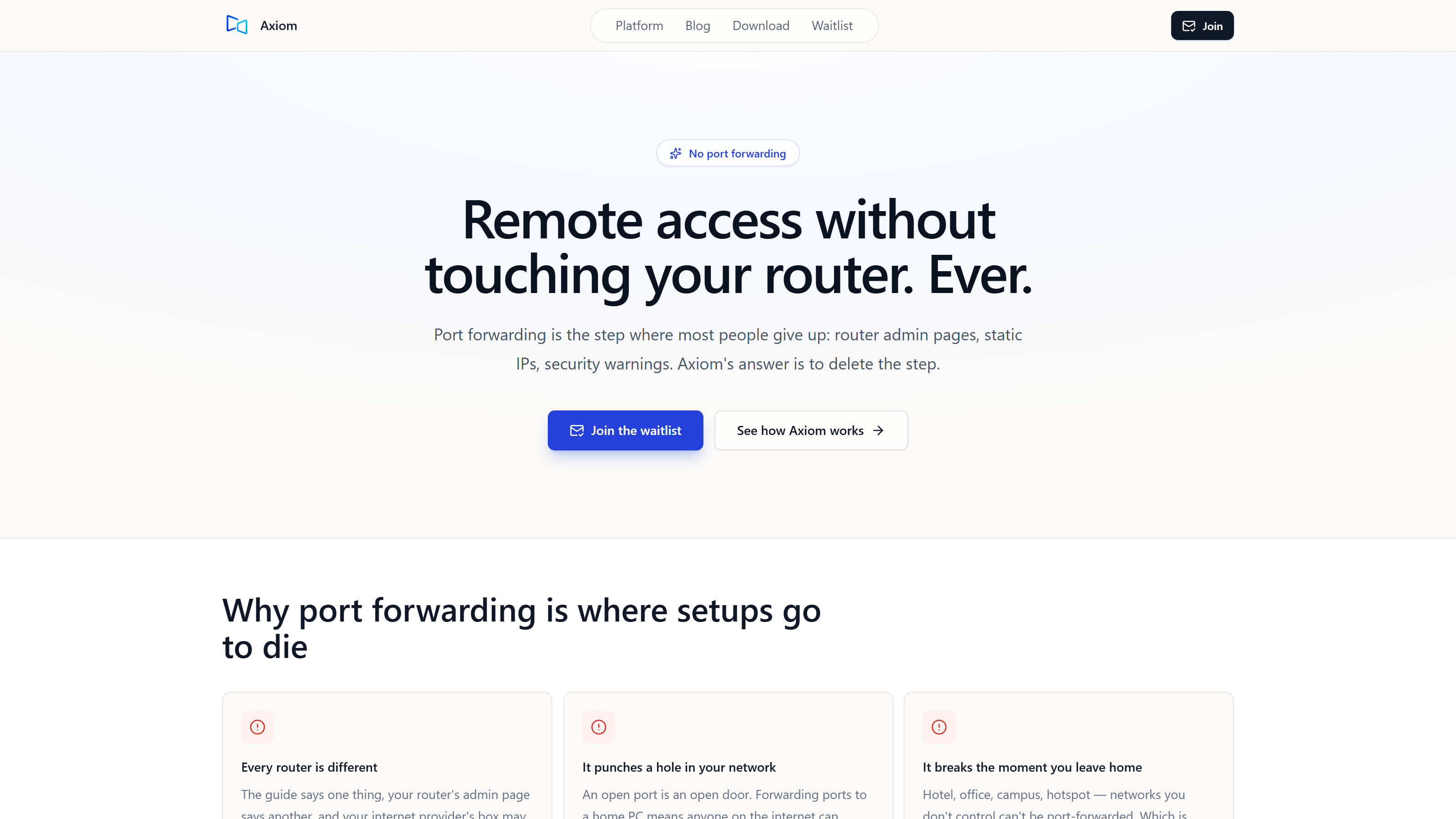
Modern, robust approaches overcome this by employing relay server architectures. Instead of trying to connect directly, your client device and host PC both establish a secure, encrypted connection to an intermediary relay server. This server then forwards the traffic between them. This method effectively bypasses firewalls and NAT issues because the connections are outbound from both ends, a type of traffic that is almost never blocked. Tools like Axiom are browser-first, meaning the connecting device installs nothing; they function by automatically falling back to relay servers when a direct path is blocked by restrictive networks like those found in hotels or on campus Wi-Fi. All sessions are encrypted, protecting your data as it travels across potentially unsecured public networks. This shows how intelligent design can circumvent common network roadblocks, letting you talk to your PC even when the hotel operator doesn’t want you to.
Can You Improve Your Hotel Wi-Fi Connection for Gaming?
While hotel Wi-Fi presents inherent challenges, several strategies can help you squeeze out the best possible performance. Start by testing the Wi-Fi speed immediately upon arrival using an online speed test. This gives you a realistic benchmark. If possible, choose a room closer to a Wi-Fi access point, as signal strength degrades with distance and obstructions. Many hotels, especially newer ones, also offer wired Ethernet ports. Connecting your laptop directly via Ethernet can dramatically improve stability and reduce latency, eliminating Wi-Fi interference entirely. Always manage background downloads on your client device, closing any apps or browser tabs that might be consuming bandwidth.
For more control, consider using a personal travel router or your phone’s mobile hotspot. A travel router can create a private, more secure network, though it still relies on the hotel’s underlying internet connection. A mobile hotspot, using your phone’s cellular data, offers a completely independent connection. This can be a significant advantage if the hotel Wi-Fi is particularly congested or throttled. However, it’s not a silver bullet. An informal founder test showed about 10ms of added latency on a phone hotspot versus home Wi-Fi, using a Windows gaming PC host and a browser client on the same laptop with a US mobile hotspot in July 2026. This demonstrates that while phone hotspots offer autonomy, they introduce their own latency considerations.
Regarding VPNs, while they encrypt your traffic and can bypass some content restrictions, they rarely improve gaming performance on hotel Wi-Fi. In fact, a VPN often adds another layer of encryption and routing overhead, which can increase latency and further degrade your streaming experience. For remote gaming, a VPN is usually not the answer.
What Setup Delivers Smooth 60fps Gaming on Challenging Networks?
Achieving smooth 60fps gaming, even on a challenging hotel network, starts with a powerful host PC at home. A dedicated graphics processing unit (GPU) is essential for hardware encoding, which efficiently compresses the video stream with minimal impact on game performance. This allows your PC to play the game and encode the video simultaneously without stuttering.
A well-designed remote gaming tool leverages this hardware. For instance, a gaming mode typically targets 1080p at 60fps; this is a design target, and it’s achieved with hardware encoding on a discrete-GPU gaming PC. This means the tool is specifically optimized to utilize your gaming PC’s capabilities to deliver a high-quality, high-framerate stream. On the client side, flexibility is key. You should be able to connect from any modern browser by simply entering an ID and access password; this eliminates the need for app installations on your connecting device, whether it’s a laptop, tablet, or even a smart TV’s browser. This shows how the right combination of host power and client accessibility makes high-fidelity remote gaming possible, even when the connection is fighting you.
Is Input Lag a Dealbreaker for Competitive Play on Hotel Wi-Fi?
Input lag is the bane of any remote gamer’s existence, especially when dealing with the inherent latency of hotel Wi-Fi. It’s the delay between pressing a button on your client device and seeing the corresponding action on screen. The reality is that added latency is almost always present when streaming games remotely, and hotel Wi-Fi can exacerbate it. For casual, single-player games, a small amount of lag might be tolerable, perhaps feeling like a slightly less responsive controller.
However, for competitive play, input lag can absolutely be a dealbreaker. Even a few extra milliseconds can throw off your aim in an FPS or ruin your timing in a fighting game. To mitigate this, advanced remote tools separate input data from the main video stream. Mouse and keyboard input travels on a dedicated low-latency channel, distinct from file transfers and other traffic. While this helps minimize the delay, it doesn’t eliminate it entirely. Therefore, while you can certainly enjoy many games on hotel Wi-Fi, setting realistic expectations for competitive online performance is paramount. Expect a more casual experience, and you’ll be less likely to be frustrated.
Beyond Gaming: What Other Features Help When Remote?
A robust remote access tool offers much more than just game streaming. When you’re on the road, having full remote desktop features can be incredibly useful. This includes the ability to use the clipboard to copy and paste text between your client and host, stream audio from your home PC, transfer files back and forth, and even access a terminal for command-line operations. For those with multi-monitor setups at home, a tool that supports accessing all your displays while remote can be a huge productivity booster.
The ease of setting up such a system is also a significant advantage. You should only need to install the software once on the Windows PC you want to reach; it then gets a short numeric connect ID. Crucially, no port forwarding or complex router configuration is ever required. This makes getting started simple, regardless of your technical expertise or the complexity of your home network. This versatility ensures that your remote connection serves as a comprehensive tool, not just a gaming portal. It’s like having a secure, direct line to your PC that the hotel operator can’t block.
Hitting the road with your gaming PC in tow is a viable option, provided you understand the limitations of hotel Wi-Fi and equip yourself with the right tools. The key is to embrace methods designed to overcome network restrictions and to manage your game choices and expectations. Just because the hotel Wi-Fi is a mess doesn’t mean there’s no point trying — it just means you pick the tool that does the work for you. Next, we’re testing how different types of cellular data plans affect streaming quality in various urban and rural environments.